Visuals for early conversations
Give clients enough realism to react to material, atmosphere and spatial intent before the model reaches full rendering detail.
For architects
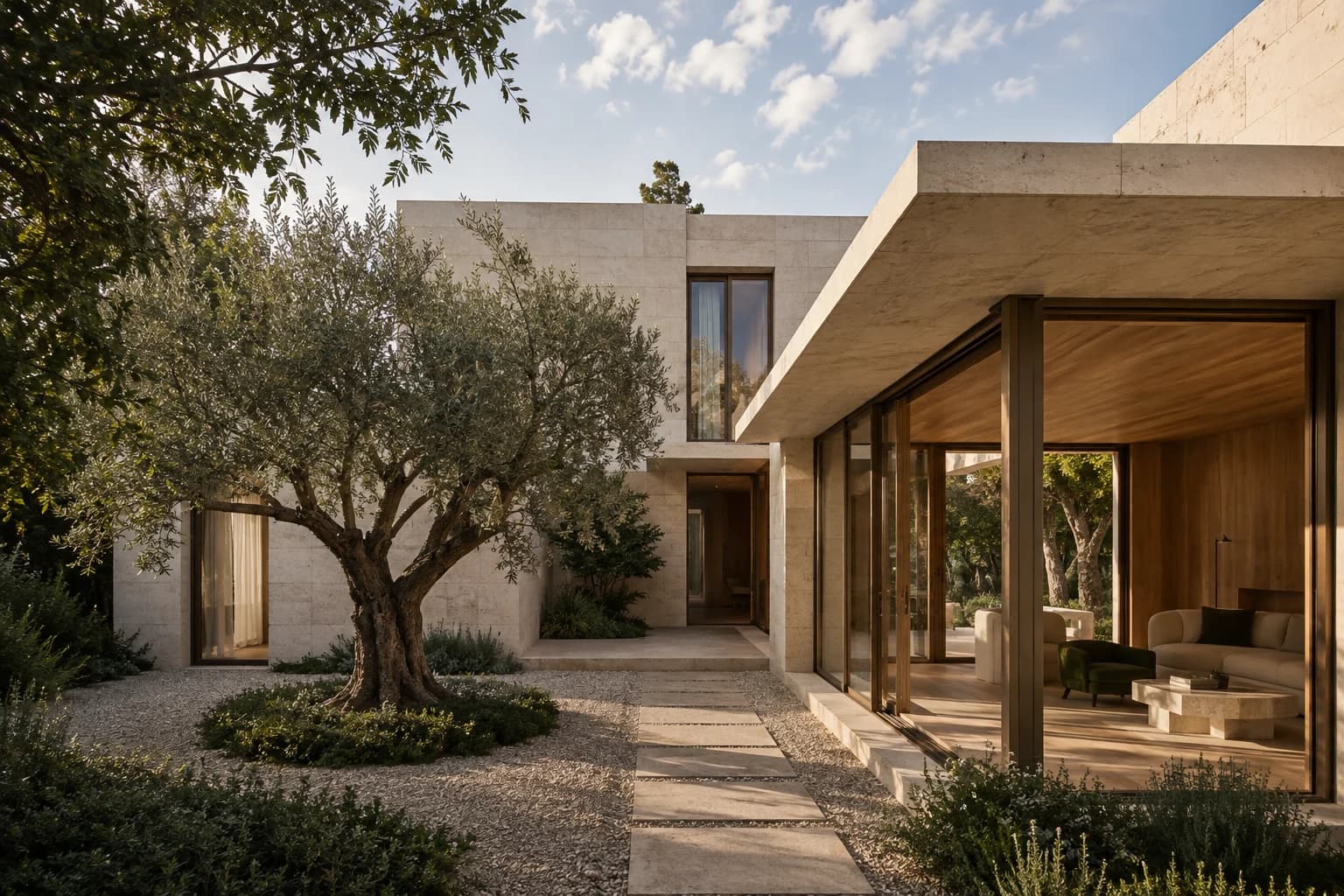
Turn model screenshots and architectural sketches into photorealistic images for internal reviews, client conversations and early presentations.
01 /In your practice
Give clients enough realism to react to material, atmosphere and spatial intent before the model reaches full rendering detail.
Compare focused material or lighting directions without creating a separate conventional render setup for every alternative.
Continue designing in your established tools and use generated visuals as communication outputs around that process.
02 /Workflow
Develop the sketch, model or drawing to the level required for the current decision.
Export the most useful view and give it a specific material, context and lighting direction.
Check the visualization against the source before placing it in a client deck, design review or consultation.
03 /Questions
The workflow uses screenshots and image exports, so it can sit alongside different modelling applications without a native-file import.
Yes. A clear white or clay model is often a strong source because the massing and openings are easy to read.
Yes. You can create separate material, landscape or lighting directions from the same source view and present them together.
No. They are design communication visuals. Construction decisions must continue to rely on the approved professional documentation.