Design an existing room
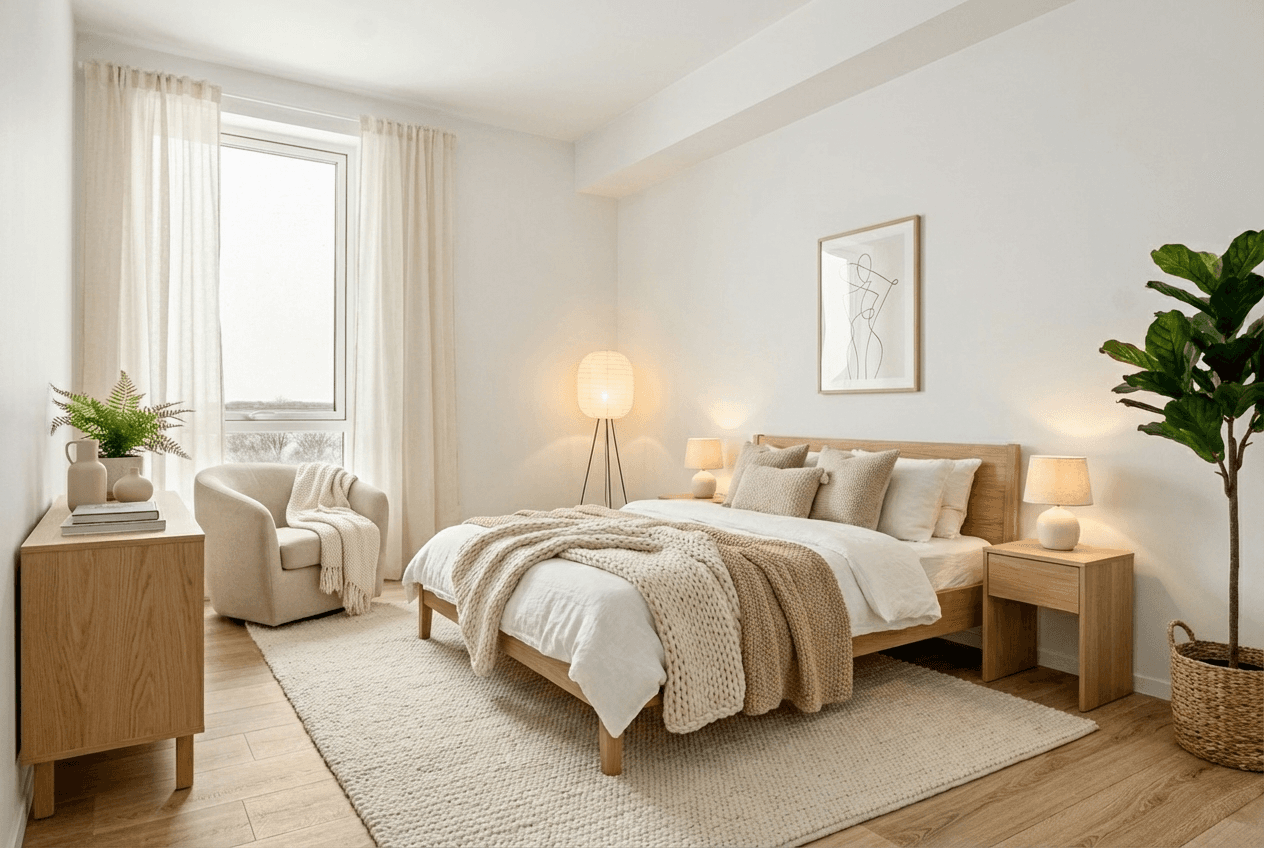
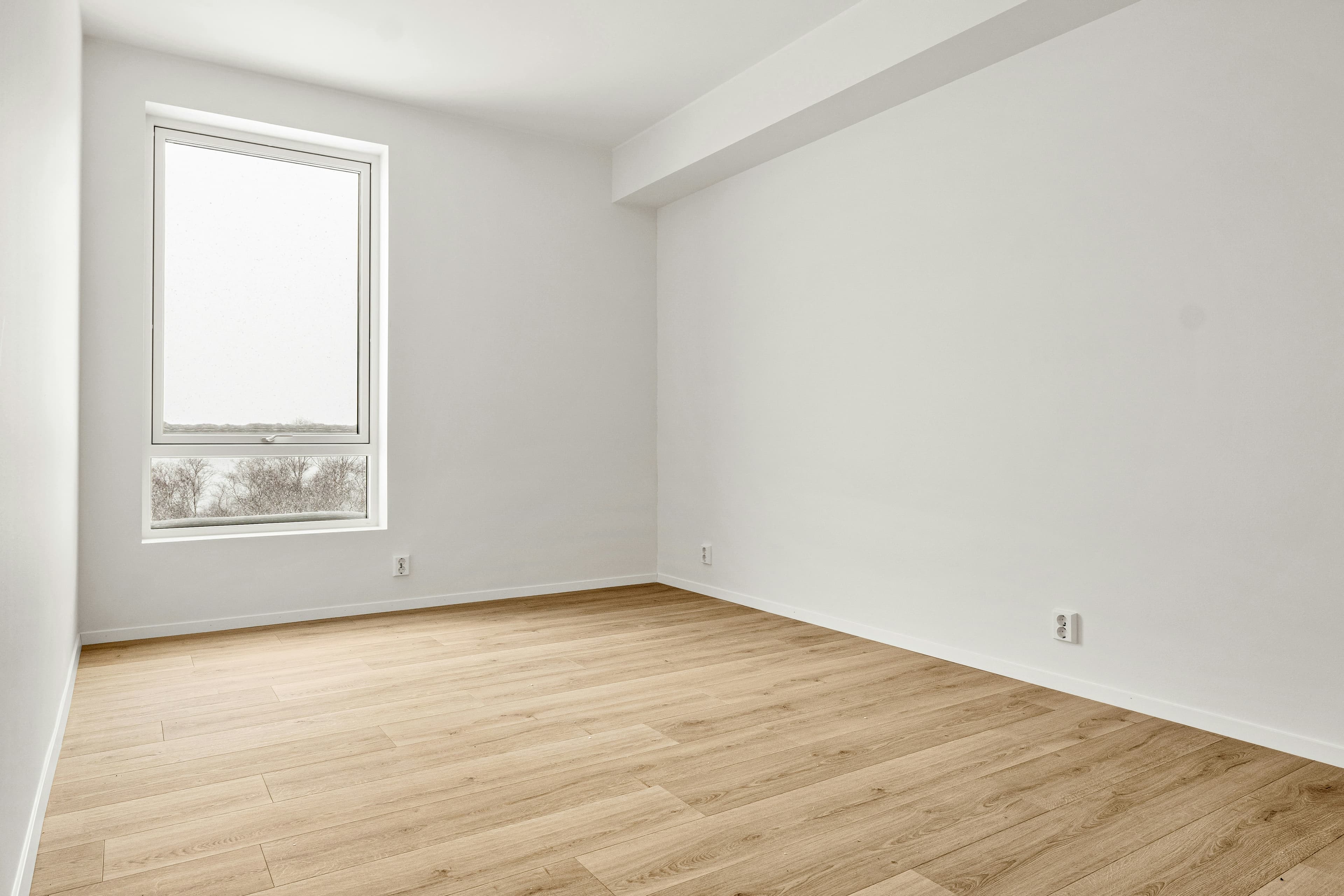
Use the original photograph to keep the room, windows and viewpoint recognizable while exploring a new interior direction.
Interior design
Turn room photos and early concepts into polished interior visuals. Furnish an empty space, redesign an existing room or compare complete style directions.
01 /Possibilities
Use the original photograph to keep the room, windows and viewpoint recognizable while exploring a new interior direction.
Give an empty room furniture, a material palette and a sense of scale. Keep the original photo beside the proposed design.
Create distinct concepts for furniture, colour, lighting and finishes without moving physical samples into the space.
02 /Workflow
Use a well-lit image that shows the floor, walls, openings and fixed features with as little lens distortion as possible.
Set the room type, style, palette and furniture density. Note any architectural or existing elements that must remain.
Review the result beside the original, then create only the variations needed to make a clear design decision.
03 /Questions
Yes. You can explore a different interior direction from an existing room photo, including changes to furniture, palette and finish character.
Yes. Furnishing an empty room is one use of the Interior Design workflow.
The source photo provides the spatial reference. Clearly identify the doors, windows, fireplaces or built-ins that must remain and review them in every result.
Yes. You can turn a finished interior visualization into a short video after approving the image direction.