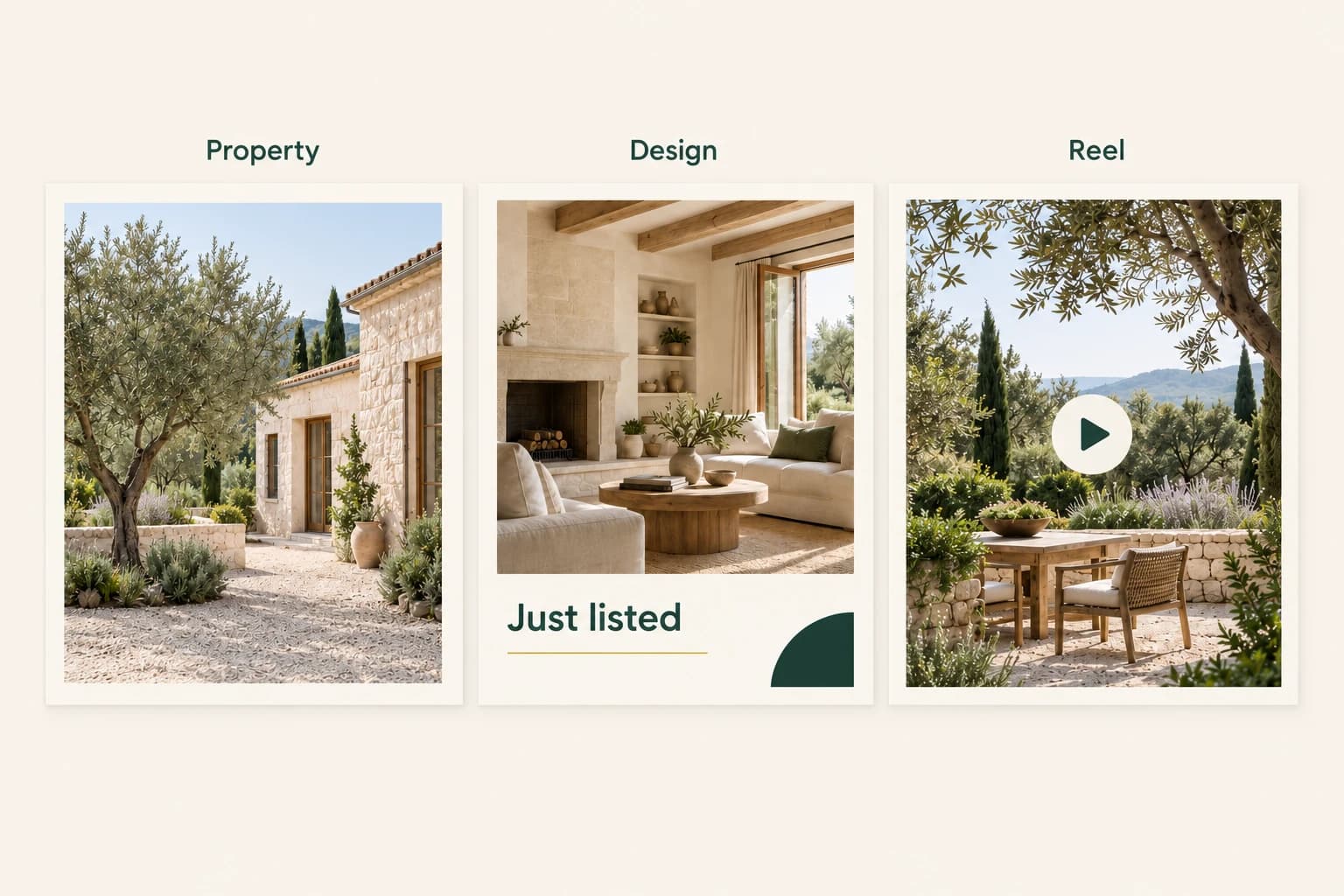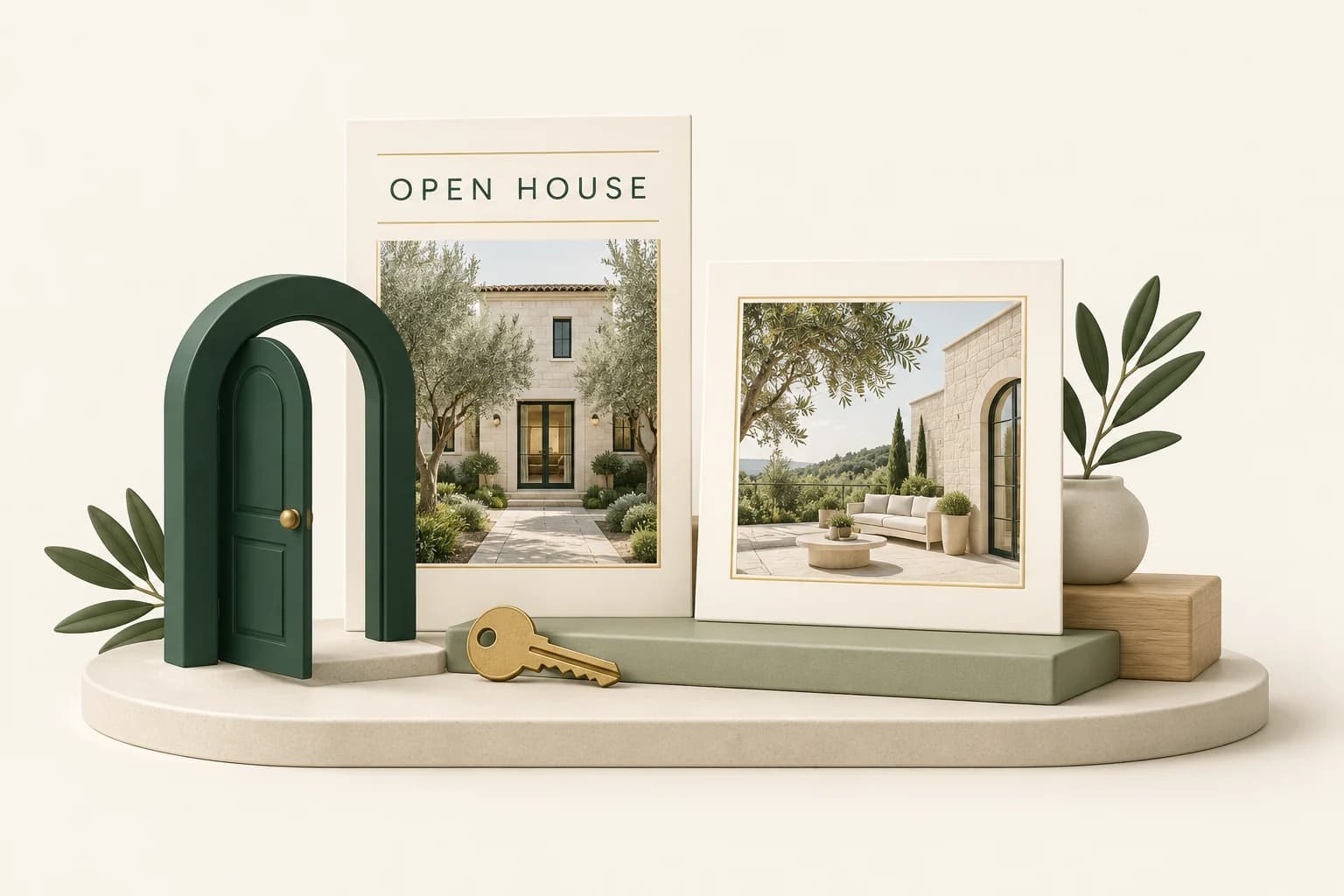
An open-house post has a practical job: show which property is open, when someone can visit and what they should do next. An elegant layout that gets the time wrong is not a good design.
AI image generation can help an agent produce the artwork, but the workflow should start with verified event information and end with a mobile-size proof. Propviz's Listing to Design workflow is useful in the middle: it combines selected property photos, campaign details and a visual direction into generated artwork.
Write the event brief before the design
Keep a small source-of-truth note containing the property address, event date, day of the week, opening hours, relevant time zone, agent contact and any attendance instructions. Confirm the current price if it will appear.
Decide on one call to action. “Visit the open house” and “Book a private viewing” are different invitations. Choose the one that matches the event instead of squeezing several next steps into the same image.
Choose one strong lead photograph and, if useful, a few supporting views. The front elevation helps identify the property; an interior can explain why someone might want to see it. Only use images you are authorised to alter and publish.
Generate artwork from the property context
In Propviz, open Listing to Design. Upload the photos or start with a supported public listing URL. Review imported details before using them. If a site cannot be imported, use the original files and enter the facts yourself.
Choose the Open House campaign and supply the event details. Select up to four photos, with the intended lead image first. Pick the output format and a visual style, then use the instructions for the details that matter to this campaign.
Create a restrained open-house design using the selected front elevation as the main image. Keep the property recognisable. Make the supplied date and visiting hours easy to read on a phone. Use a warm cream background, dark green typography and one clear call to action. Avoid extra slogans or invented property features.
Propviz generates the finished composition with an image model; it is not assembling a fixed HTML template. That gives you room to explore a visual direction, but the result is an image rather than a document of separately editable text boxes.
Refine one problem at a time
Review the first result against the brief. If the property photo is too small, ask for a larger lead image. If the event details lack contrast, ask for clearer typography. Use the refinement workflow to request a specific change instead of repeatedly asking for a “better” design.
Recheck the whole result after every refinement. An instruction about spacing can still lead to a changed digit, line of copy or property detail. Do not assume that previously correct information is locked.
When exact typography or required wording is non-negotiable, leave room in the artwork and add that text in a layout editor. Canva supports adding and formatting text on an uploaded image. This is a manual finishing step after export, not an automatic integration or a conversion into editable Propviz layers.
Make each format a proper proof
A square feed design and a vertical story have different amounts of space. Propviz offers square, portrait, vertical and landscape formats, but each version still needs its own review. Do not assume that generating another ratio preserves the exact hierarchy of the first.
Open the final file on a phone and check:
- The complete address, date and opening hours against the source note.
- Spelling, contact information and the action you want the viewer to take.
- Readability without zooming and space around essential information.
- Property details, disclosures and any image alterations.
Have another person check the event details if possible. Familiarity makes errors easy to overlook. Propviz downloads require paid access, so include that in your delivery planning rather than discovering it at the posting deadline.
Publish through your existing channel tools
Write a factual caption that repeats the essential event details and explains any attendance instructions. Keep the approved image and caption together so that the posting person does not have to reconstruct the campaign.
Propviz does not currently schedule social posts. Use your normal publishing tool; Buffer documents scheduling for Instagram posts, reels and stories, including account-dependent publishing options. Check those requirements before relying on automatic publication.
Keep the campaign small: an announcement, a reminder and an event-day post may be enough. Reconfirm that the event is still going ahead before each one publishes. For a broader plan around the same photos, see how to build a week of listing content.