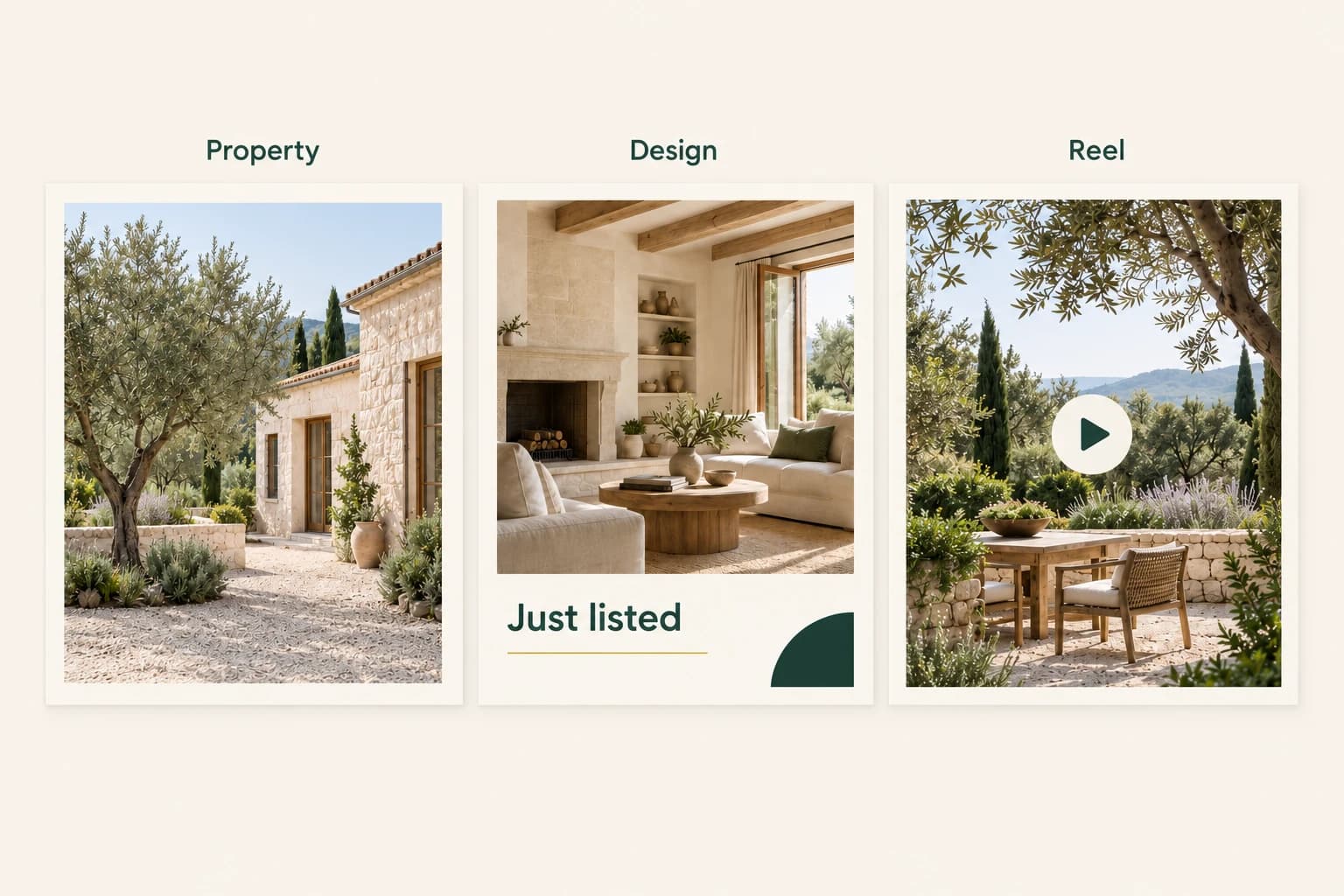
A new listing does not need seven unrelated content ideas. It needs a small set of useful messages that help people understand the property and know what to do next.
The same authorised photo collection can support a listing introduction, a room-focused post, a short reel, an open-house design and an answer to a common question. The important part is changing the purpose of each piece, not just changing its colours.
Here is a practical five-post plan you can adapt to a real listing. It is a suggested editorial schedule, not a guarantee of reach, enquiries or a faster sale.
Prepare one reliable property brief
Before creating anything, collect the approved photographs and verify the property information. Keep the current address, price if you intend to show it, room counts, availability, contact details and any event date in one reference document.
Choose one person to approve the facts. That avoids a polished design being built around an old price or an open-house time copied from a previous campaign.
Then identify three things the photographs genuinely show. These might be a bright principal living space, a garden terrace and an open kitchen. Do not turn assumptions into facts: a photograph does not establish floor area, accessibility, energy performance or travel time to nearby amenities.
Monday introduces the property
Start with a straightforward listing design. Pick the strongest representative photograph, a short headline and one action.
“Just listed” can be enough when the photograph is doing the work. The supporting caption can carry the verified property details. Avoid forcing the price, full address, every room count, contact information and a long description into a small image.
In Propviz's Listing to Design workflow, choose your photographs, message, visual direction and output format. The artwork is generated with AI; it is not a conventional layered template. Review the text and property details in the finished image, and use another generation to refine it if needed.
Tuesday explains one room
Use an original room photograph to answer a specific question: how might a living area be arranged, or where could a dining table sit?
If the room is empty, a labelled virtual-staging comparison can illustrate a possible furniture arrangement. Keep the existing finishes and architecture as the reference, and review the output for unintended changes. Pair the concept with the original image so the distinction is easy to understand.
If the room is already furnished, you do not need to generate an alternative just to fill the calendar. A clear detail crop and a useful caption may do the job.
Wednesday adds a short reel
Select a small group of photographs that show different aspects of the property. Start with a strong view, move through the main spaces and end with a frame that supports your invitation to learn more.
Use Listing to Reel to generate moving clips, adjust their order and assemble the sequence. These are AI-generated clips based on photographs, not a recording of a continuous route through the home. Watch the complete reel and identify it appropriately when sharing.
Edit the accompanying social caption separately. Keep one next step, such as asking the listing agent for viewing availability. Do not assume that the caption has been embedded into the video.
Thursday answers a real question
Use something that prospective viewers actually ask. That might be where to request a floor plan, how to arrange a viewing or whether an announced open house requires registration.
Check the answer before publishing it. A plain photograph with a useful caption may be more appropriate than another generated design. The purpose is to reduce uncertainty, not to create a new visual treatment for every post.
Do not invent enquiries to make the post feel popular. If you have not received the question, frame it honestly: “Planning a viewing? Here is how to request an appointment.”
Friday gives people a timely next step
If an open house is confirmed, create a dedicated design with the correct date, time and contact route. If there is no event, use a viewing invitation or focus on a property feature you have not yet covered.
Do not manufacture a deadline or imply that appointments are scarce unless that is genuinely the case. The call to action can be direct without adding artificial urgency.
For a second design, keep the visual direction related to Monday's post. Brief the same palette, tone and message hierarchy, then review the outputs together. AI generation can vary between attempts, so consistency still requires a human check.
Review the campaign as a set
Before anything goes live, lay the assets beside one another and ask:
- Does each post have a distinct purpose?
- Are all property details consistent and current?
- Are virtual staging and design proposals clearly identified?
- Is text readable at phone size?
- Does each post ask for one appropriate next step?
Store approved outputs with their original photographs and final captions. A simple naming convention such as “property-name_open-house_approved” helps distinguish a finished asset from an earlier concept.
Propviz brings staging, listing designs and reels into the same product, but these are separate creative workflows, not an automatic one-click campaign. Download the approved results and publish through your existing channels or scheduler. Propviz's own social scheduling is coming soon, not currently available.
Start with a smaller campaign if that is what you need
Five posts are a planning option, not a quota. A strong introduction, a useful room view and a carefully reviewed reel may be enough for the first pass. Add more when you have something new to communicate.
Start a project in Propviz with your own authorised photos or a supported listing link. Five free preview credits let you explore image generation; a complete listing reel costs 10 credits and downloads require a paid unlock. Review the current pricing and the studio's displayed cost before generating.