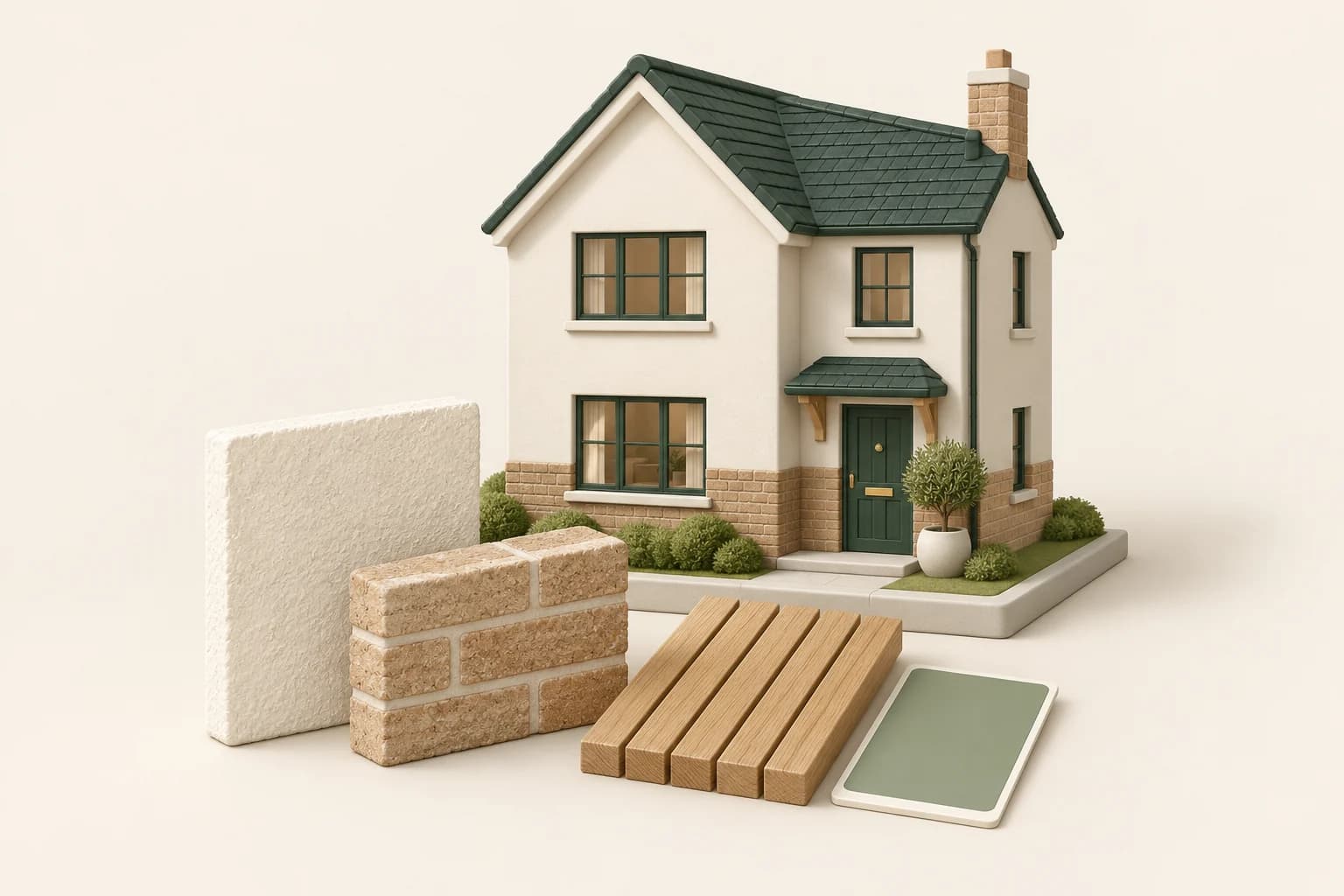
A homeowner can like a material sample and still struggle to picture it across an entire facade. A small piece of render says little about how it will sit beside the roof, brickwork and window frames.
AI exterior concepts can help a renovation team narrow that discussion before samples, detailing and quotations take over. The strongest use is a controlled comparison on a photograph of the actual property. The weakest is an attractive image that quietly changes the building as well as its finishes.
Separate fixed elements from proposed work
Begin with a list of what the project will and will not change. A typical refresh might include the rendered walls, front door colour and planting, while retaining the roof, windows, brick plinth and driveway.
Photograph the elevation clearly, with enough surrounding context to judge the proposal. Keep other views for checking details. A parked vehicle or dense planting may hide parts of the building; a model's guess about what sits behind them is not site information.
Use the team's measured survey, site photographs and existing drawings to define the scope. If you need a review record, Bluebeam Revu supports PDF markups and a list of review comments. Mark the areas under discussion before generating alternatives.
Use the existing-property workflow
In Propviz, choose Exterior Design for a photograph of a building that already exists. Use Architectural Rendering for a model view or sketch of an unbuilt proposal. This distinction keeps the source and intended outcome aligned.
Upload the photo and describe a limited treatment. Avoid asking for a complete transformation if the real project is a repaint and modest landscape work. For example:
Show a proposed exterior refresh. Change only the rendered wall surfaces to a warm off-white and the front door to muted forest green. Retain the brick plinth, roof, windows, gutters, steps and driveway. Keep all openings and the camera view unchanged. Add low planting only in the existing planting bed.
The instruction defines a concept boundary. It does not establish that the chosen coating suits the existing substrate, or that the planting is appropriate for the site.
Compare options with one meaningful variable
For the first review, two finish directions are usually enough to make the discussion concrete. Compare warm off-white render with a slightly darker mineral tone, for example, while keeping the roof and joinery constant.
If one option also adds new windows, mature trees and a different sky, the homeowner may be reacting to those changes rather than the finish. Regenerate or remove an option that no longer answers the same question.
Ask the client to explain the preference. “The warmer tone works with the existing brick” is a useful observation. “This looks more expensive” is not yet a material decision.
Check the image against the site
Before presenting a concept, compare it with the source photo and the scope notes. Look for changes to roof edges, window proportions, drainage fittings, boundary walls and level changes. A model may simplify an awkward junction that the contractor will still need to resolve.
Keep proposed landscaping separate from claims about existing features. Do not let an image imply a wider entrance, a new parking space or a removed boundary unless that change is genuinely part of a checked proposal.
For a wider redesign involving massing or openings, return to a drawing or model. Our architectural concept review workflow explains how to use exported model views without losing track of the underlying design.
Turn the preference into a finish schedule
Once the client chooses a direction, replace visual guesses with specific products. Obtain physical samples, check them outdoors and agree the substrate preparation, finish and application details with the relevant supplier and contractor.
Do not match a paint by sampling a pixel from the generated image. The image reflects lighting, display settings and model interpretation, not a reliable product colour reference.
The handoff should include the labelled concept, the marked-up elevation or photo, the selected product references and any unresolved checks. Confirm permissions and technical requirements through the normal project process. The AI image helps explain the intention; it is not a quotation, specification or approval to carry out the work.